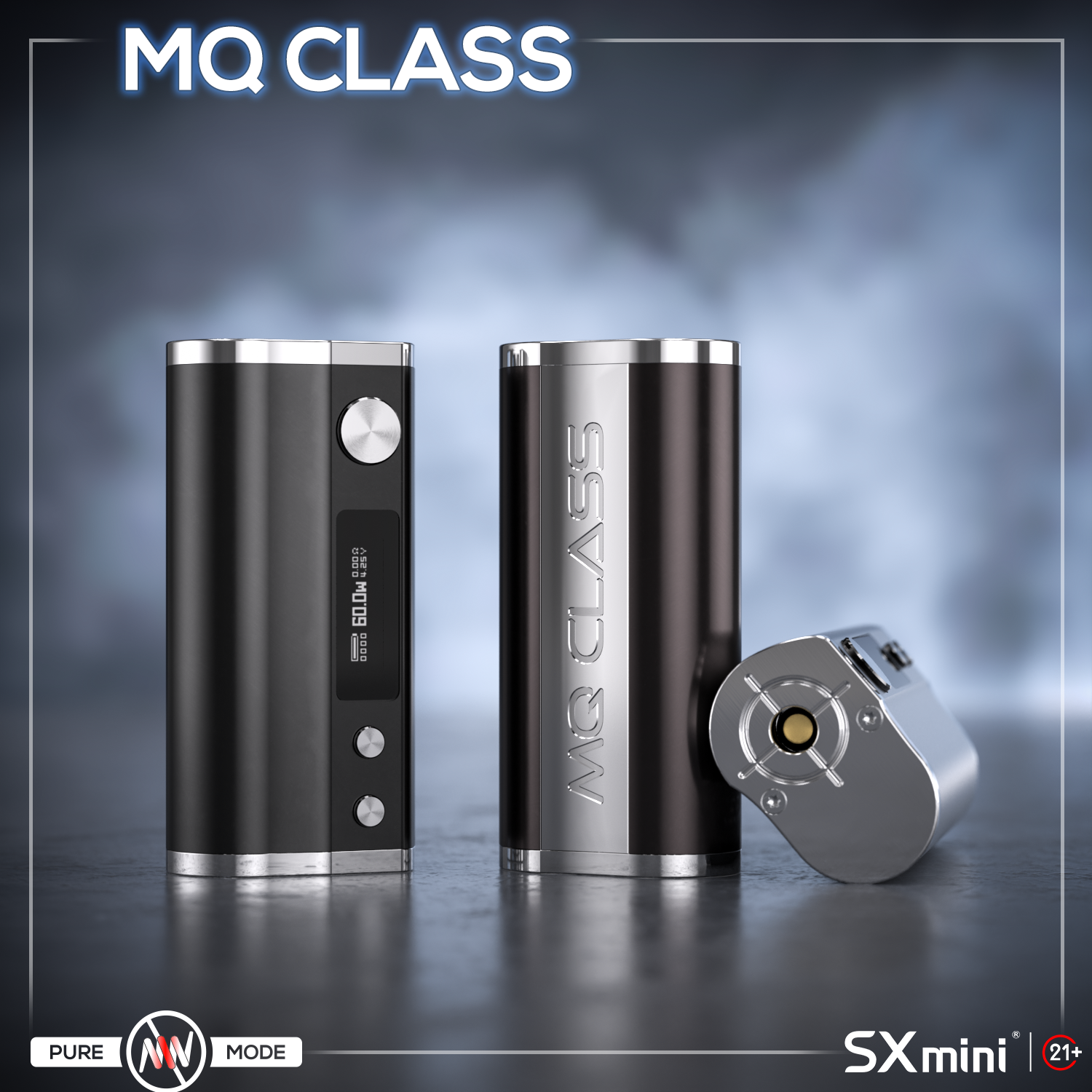
The SXmini MQ Class box mod is a compact single 18650 vape mod powered by the YiHi SX416J chipset. (J stands for Joule, indicating support for temperature control technology.) Small in size, but powerful and flexible, it supports wattage mode, temperature control, and VT Coil mode. This guide explains how to use MQ Class, including basic setup, vaping modes, and maintenance tips. Battery & First Setup • Open the battery door• Insert one 18650 battery (negative side out)• Close the battery door First use:• Press fire button 5 times → power on• Attach atomizer• Adjust wattage• Start vaping Tip: Use high-quality batteries for stable performance.• Do not use damaged batteries• Check battery wraps regularly and make sure they are intact before use Basic Operations • Power on / off → press fire button 5 times• Lock / unlock device → press fire button 3 times• Adjust wattage → use Up / Down buttons• Lock buttons → hold Up + Down for 3 seconds Simple control makes it easy for daily use. Vaping Modes Explained Press fire button 5 times to enter the main menu: • Wattage / Voltage Mode• Output range: 1–60W• Displays puff count, voltage, resistance, battery • Temperature Control (TC Mode)• Supports SS316, Ni200, and TCR wires• Auto resistance lock at room temperature • VT Coil Mode (SXmini Technology)• Designed for SXmini VT Coils• Select “LOCK NEW” for new coil• Select “USE OLD” for used coil• Provides Anti-Burn protection under correct coil conditions • Smart Curves (Power Curves)• Preset: Soft / Neutral / Hard• Customize output curve for…
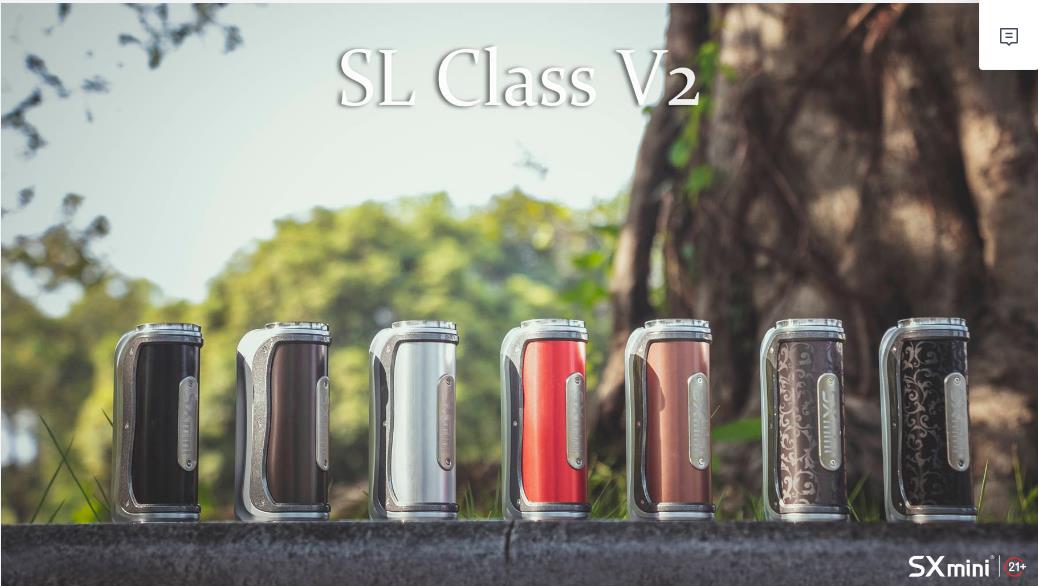
The SXmini SL Class V2, powered by the YiHi SX730J chipset, is a single‑battery device supporting 18650/20700/21700 batteries. Packed with features, but very easy to use once you know the basics. Power On & Unlock Insert battery (check polarity). 5 clicks fire button → power on. 3 clicks fire button → lock/unlock. Power & Temp Control Power Mode: roll joystick up/down to adjust wattage. Temp Control Mode: adjust preset temperature with joystick. Two TC styles: Constant (precise) and Dynamic (slightly fluctuating). Supports SS, Ni, Ti, and custom TCR. Always lock resistance at room temperature before use. Flavor Modes & Curves Enter flavor curve page: press joystick down. Presets: Soft, Neutral, Strong. SXi‑EQ 1~3: DIY flavor curves, adjust wattage/temperature % every 0.5s. Percentage‑based system works with all coil types. Main Menu Access with 5 fire button clicks or hold joystick right 3s System Off: shutdown Mode: select Power/Temp Control P.Counter: puff counter (daily/total) Tweaks: brightness, timeout, reset Stats: device data Temp Units: °C/°F Timeout: screen timeout Temp Presets 5 quick presets: Cold / Cool / Normal / Warm / Hot. Adjust temp and voltage easily for different atomizers. Common Hints No atomizer → check coil/connection. Low battery → recharge. Short/Overheat → stop, check, or let it cool down. Dry‑hit protection → make sure cotton is wet and resistance locked at room temp. Specs Power: 5–100W Battery: 18650 / 20700 / 21700 (not included) Size: 89.1 × 42.3 × 30.2 mm Chipset: YiHi SX730J Max charging: 5V/1A Quick Summary Power / Temp Control / Curve modes all included Always lock resistance to…


