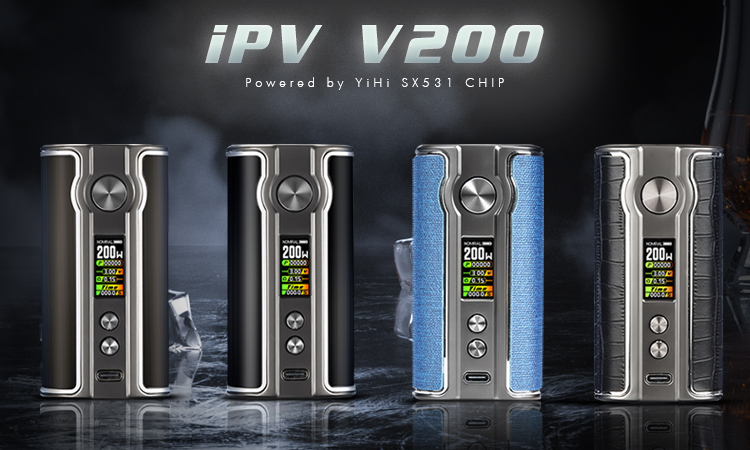
The iPV V200, powered by the YiHi SX531 chipset, runs on dual 18650 batteries with a wattage range of 5–200W. It’s powerful, yet simple to operate. Power On & Basics Insert batteries: open magnetic door, place two 18650 cells correctly. Power on: press fire button 5 times quickly. Lock/Unlock: press fire button 3 times. Wattage Adjustment On home screen, press Up button. Use Up/Down to set wattage (5–200W). Confirm with fire button. Flavor Modes On home screen, press Down button. Choose from: Normal: constant 100% power Strong: starts ~150%, decreases to 100% Soft: starts ~50%, increases to 100% SXi-EQ 1–3: DIY curves, adjust power % every 0.5s (50–150%). Puff Counter Track your puff count on screen. Hold Up + Fire button to reset. Main Menu Hold Up + Down buttons together: System Off: shut down Brightness: adjust screen brightness Exit: back to home Common Notices No Atomizer: check or replace coil. Low Battery: recharge (voltage <3.2V). Low Resistance: coil <0.1Ω → replace. Short: output short detected. Max Power: reduce wattage. Specs Wattage: 5–200W Battery: Dual 18650 Size: 48 × 92.7 × 33.6 mm Max charging: 5V / 2A Chipset: YiHi SX531 Quick Summary Fire button for main actions, Up/Down for details Easy wattage adjustment Flavor modes: Normal / Soft / Strong / SXi-EQ custom curves Puff counter reset anytime Dual‑battery design for stable performance
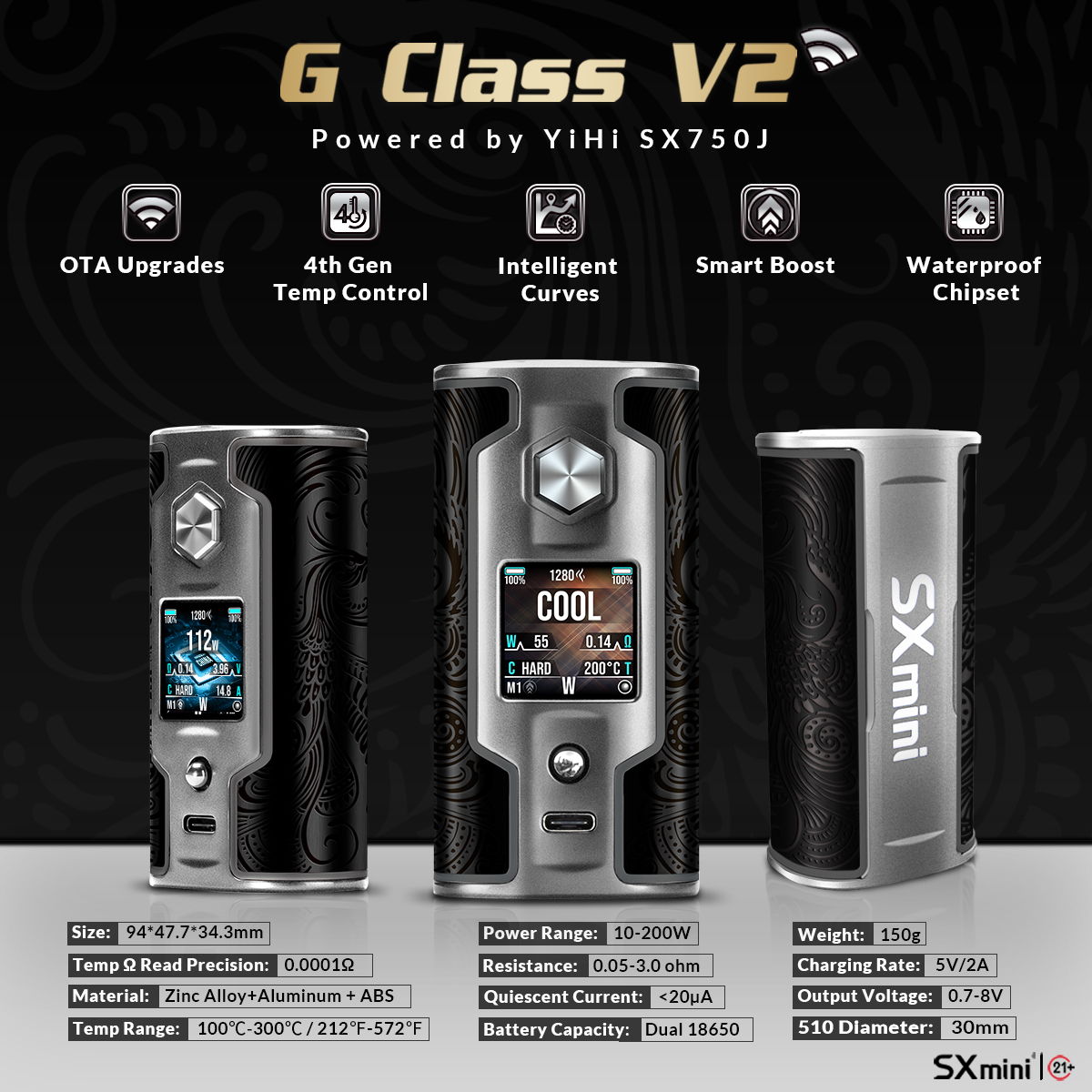
The SXmini G Class V2, powered by the YiHi SX750J chipset, is a dual-18650 high-end device. It looks complicated at first glance, but operation is actually very straightforward. Here’s a simple guide to get you started. 1. Power On & Unlock Insert two 18650 batteries(mind the polarity). Press fire button 5 times→ power on. Press fire button 3 times→ lock / unlock device. 2. Main Screen & Shortcuts The joystick is your main control. Press joystick 3 times→ unlock shortcut mode. In shortcut mode: Up / Down: adjust power Hold Right: change font color Hold Left: change wallpaper (if supported) Press fire button to exit shortcut mode. 3. Personalization Clock: move joystick left to switch styles, change color and background. Themes: 3 built-in themes, plus more via Wi-Fi. Memory Profiles (M1–M5): save different atomizer setups for quick switching. 4. Power Curves & DIY Curves Presets: choose from 7 curves (Hard, Soft, Neutral, and CWM 3s–10s). DIY (SXi-EQ): edit output every 0.5s to fully customize your vape curve. 5. Temperature Control Enter Modeto select SS316L, SS430, Ni200, Titanium, or custom TCR. Always lock resistance when coil is at room temperature. 5 quick presets: Cold, Cool, Normal, Warm, Hot – each can be fine-tuned. 6. Main Menu Highlights Enter with 5 fire button clicks. Puff Counter: lifetime, daily auto reset, or manual reset. Tweaks: brightness, timeout, auto-lock, night mode, battery display, etc. Smart Boost: custom preheat for cold coils. Date & Time: quick setup. Languages: download via Wi-Fi. Stats: detailed performance info. 7. Wi-Fi & SX-PANEL Enable WiFi → connect phone to…


